1
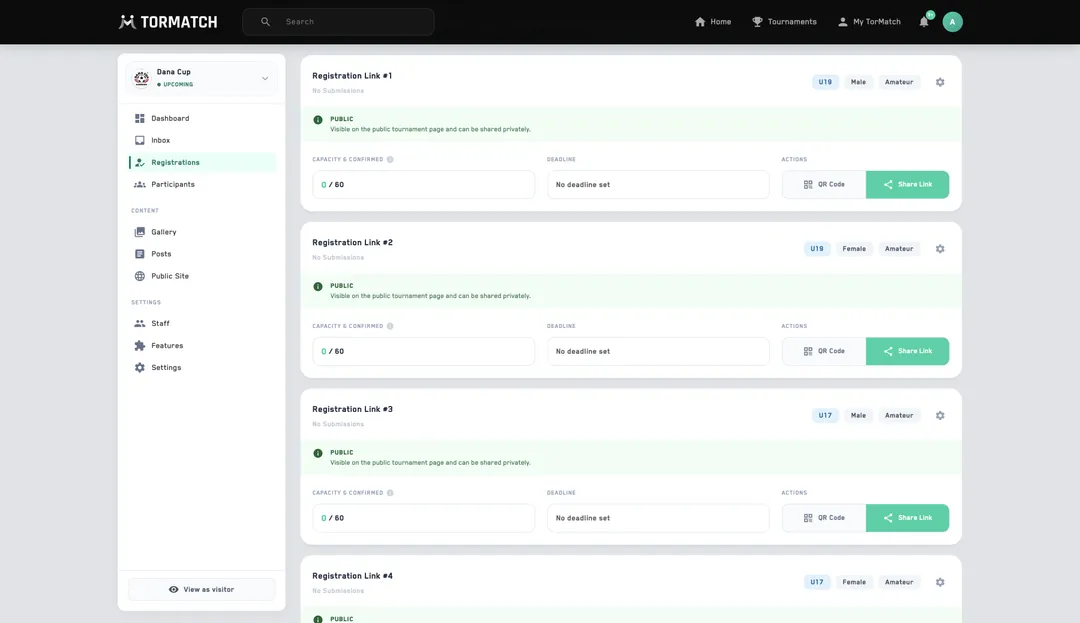
Public or invite-only, per division
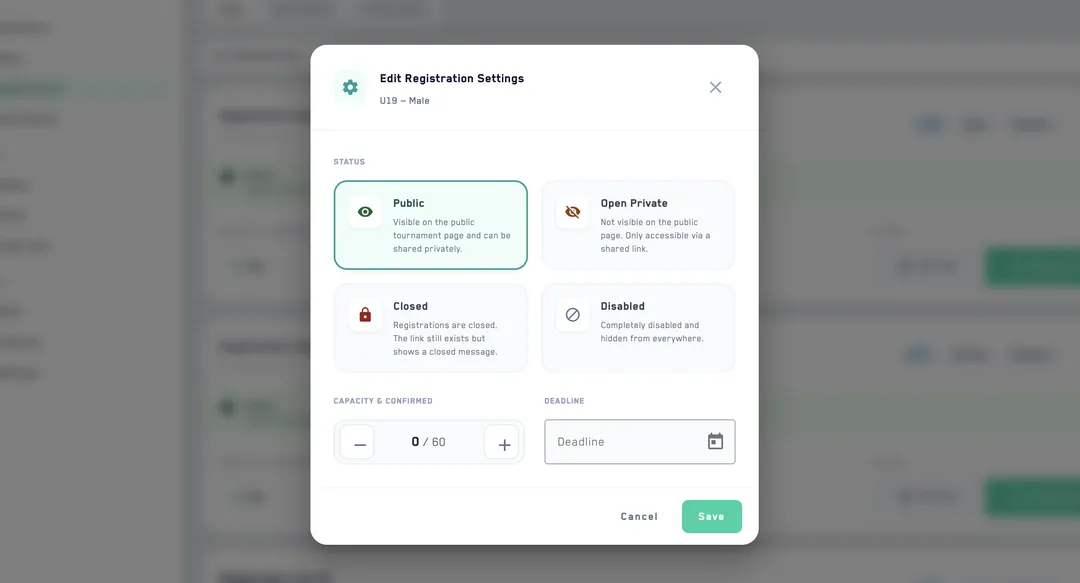
Open registration to everyone or keep it invite-only behind a private link. Run a separate form for each division, and set opening and closing dates — or leave sign-ups open with no deadline at all.


Email-and-spreadsheet registration is the worst part of running a tournament. Tormatch turns the entire intake into a form you build and a list you triage. Open sign-ups to everyone or keep them invite-only, run a separate form for each division, and let teams register straight from your tournament page or the app. Every entry lands in one place — ready to approve, decline, or archive.
Open registration to everyone or keep it invite-only behind a private link. Run a separate form for each division, and set opening and closing dates — or leave sign-ups open with no deadline at all.
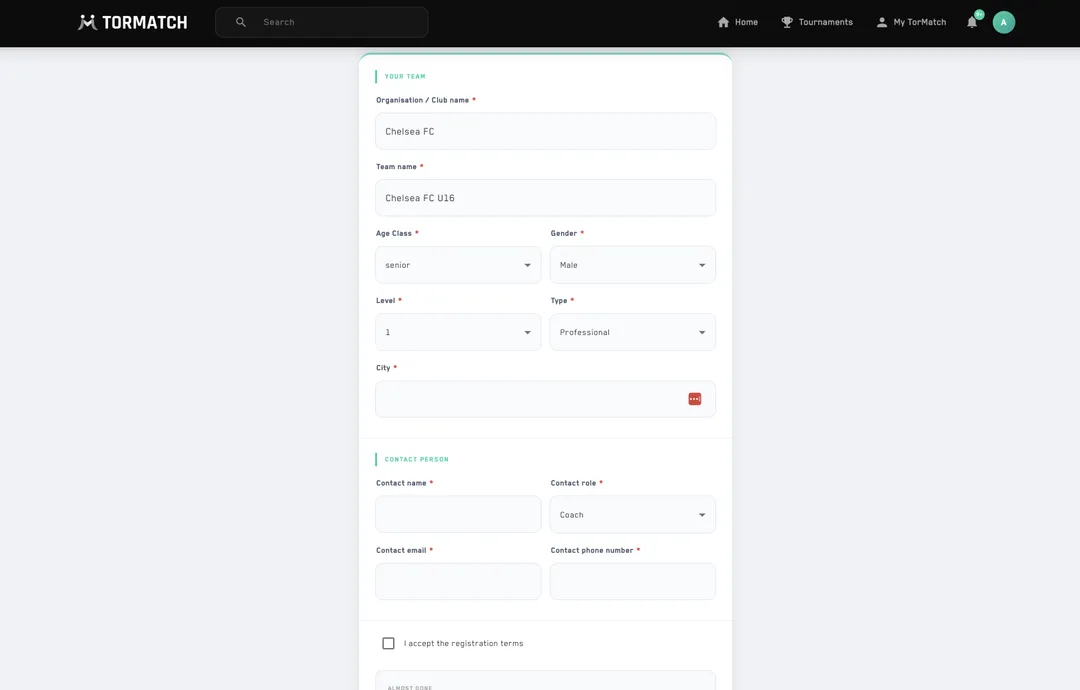
Add your logo and colours, then build the exact fields you need — team name, contacts, age class, gender, licence numbers, anything custom. Write the welcome and thank-you messages teams see before and after they submit.
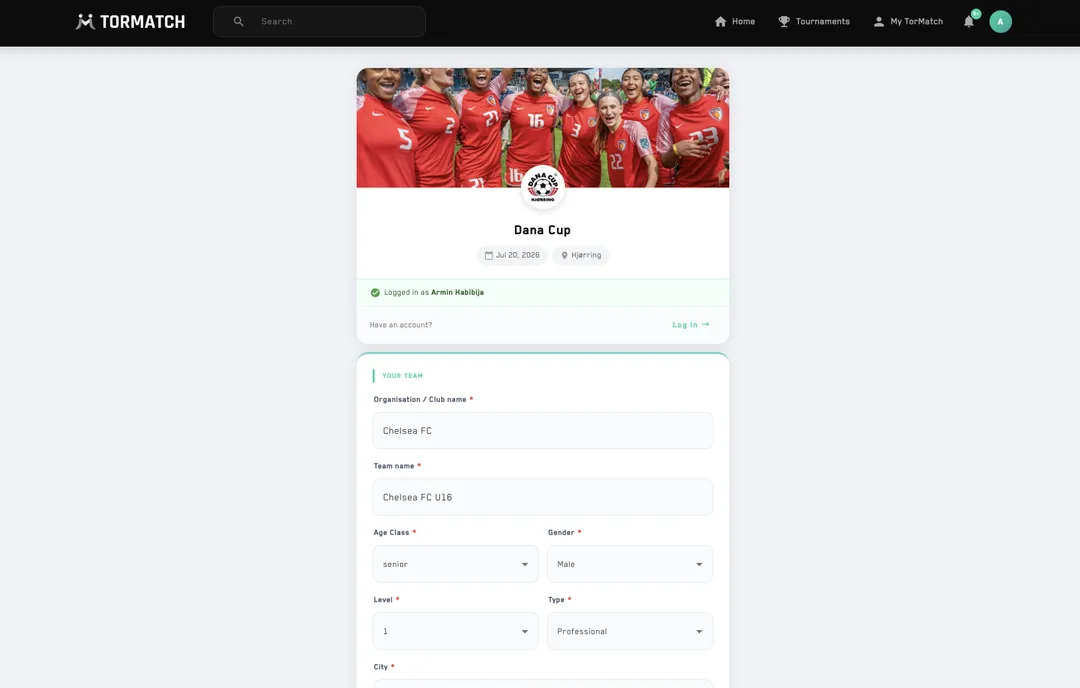
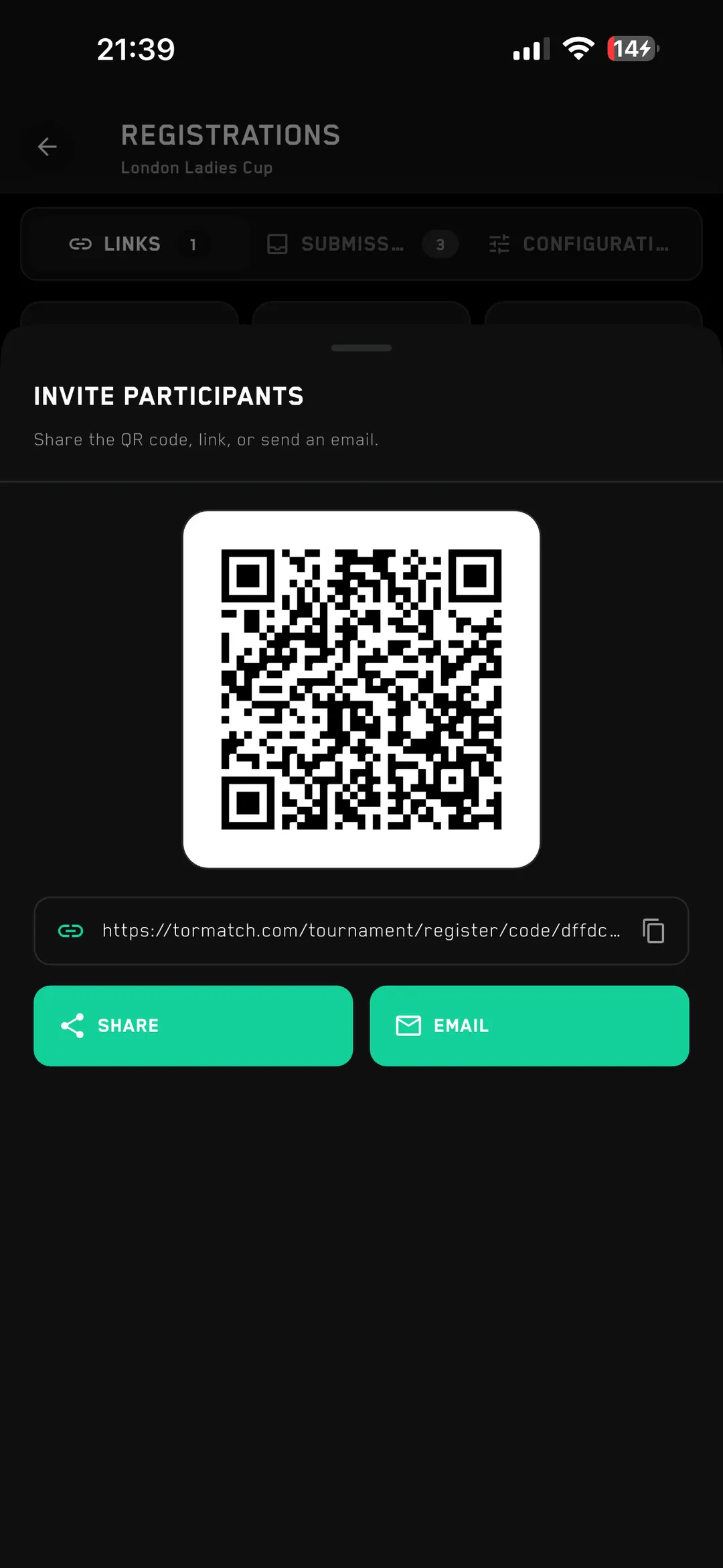
Share the public URL, hand out a private link to invited teams, or generate a QR code for a printed flyer or poster. Every route leads to the same form.
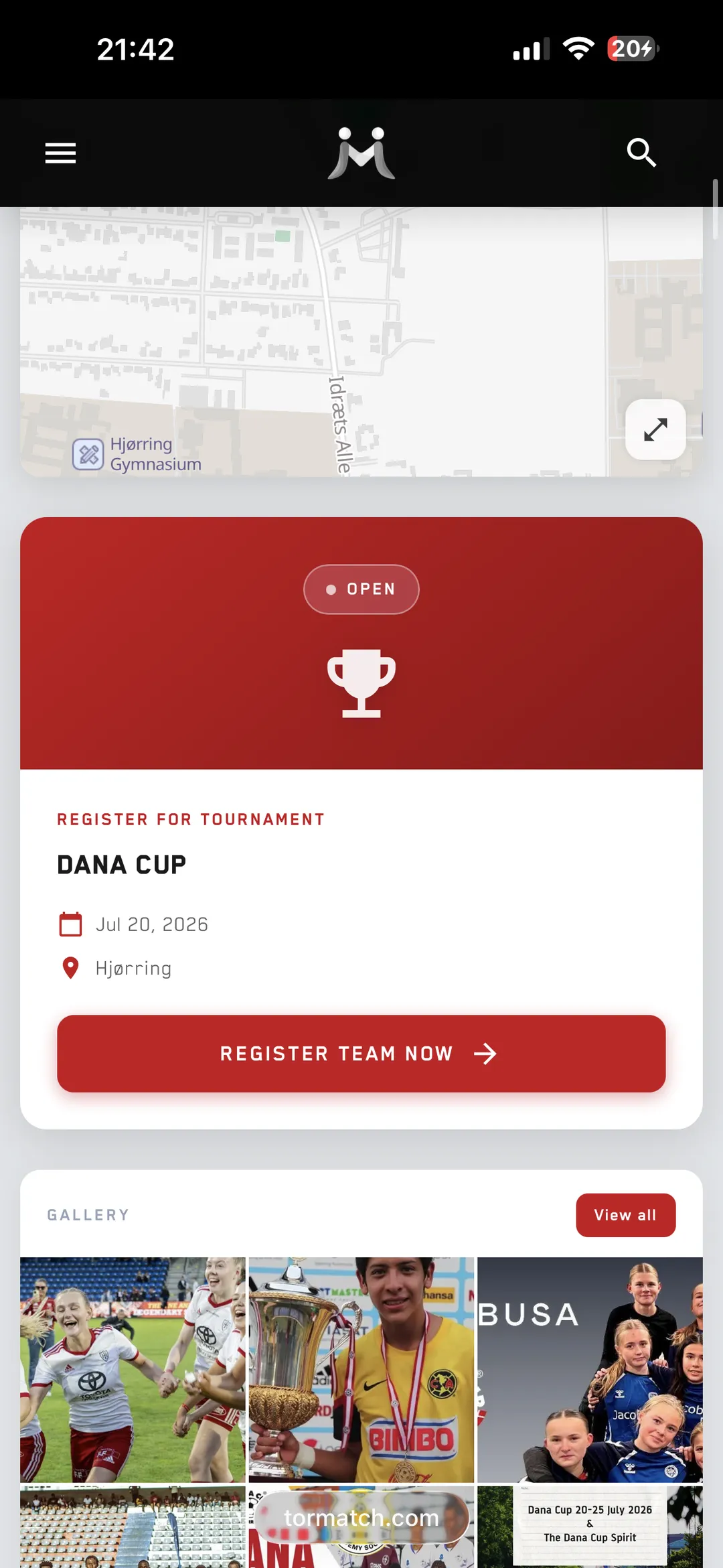
Teams register straight from your public tournament page or inside the Tormatch app. They fill in their own details, contacts, and answers, so you never retype a submission again.
Every submission lands in one list to approve, decline, or archive with a single click, with bulk actions for the obvious cases. Set a team limit per division and watch each one fill in real time, with a warning before you over-book.