1
See how many people you reach
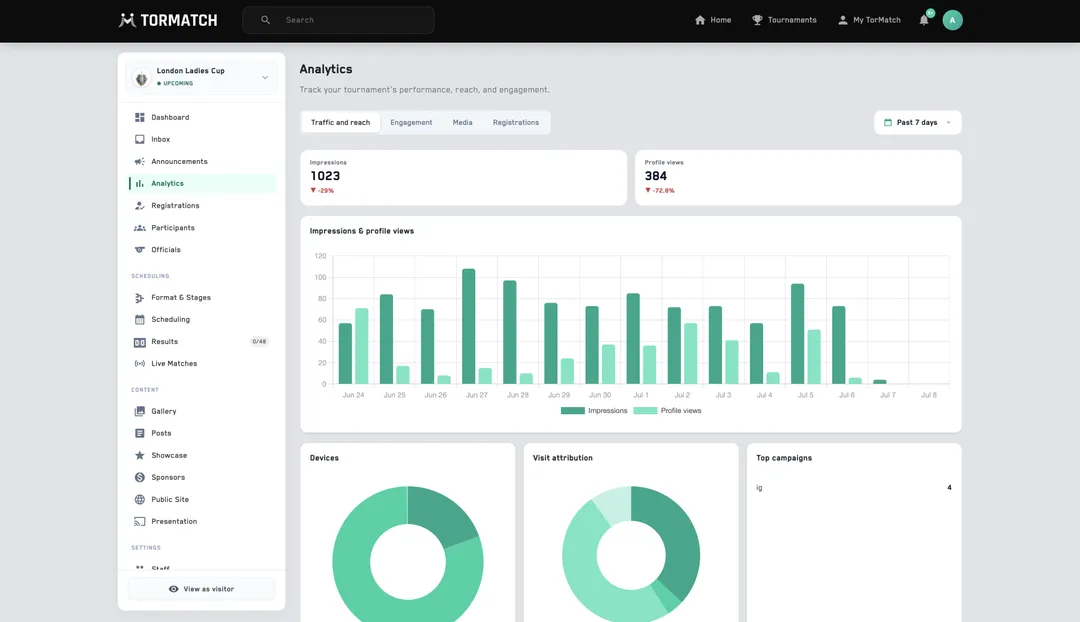
Visits, distinct visitors, and your returning rate — the core reach numbers any marketing team expects. Filter the whole dashboard by 7 / 14 / 28 / 90 / 365 days, or set a custom range around your campaign.


You promote a tournament — posters, share links, a push to every club in the region — then fly blind about whether any of it landed. Bolting Google Analytics onto a tournament page is fiddly to set up, and it never connects a visit to a registration. Tormatch measures every tournament for you: built in, per tournament, nothing to configure. See how many people you reached, where they came from, and whether that traffic turned into teams.
Visits, distinct visitors, and your returning rate — the core reach numbers any marketing team expects. Filter the whole dashboard by 7 / 14 / 28 / 90 / 365 days, or set a custom range around your campaign.
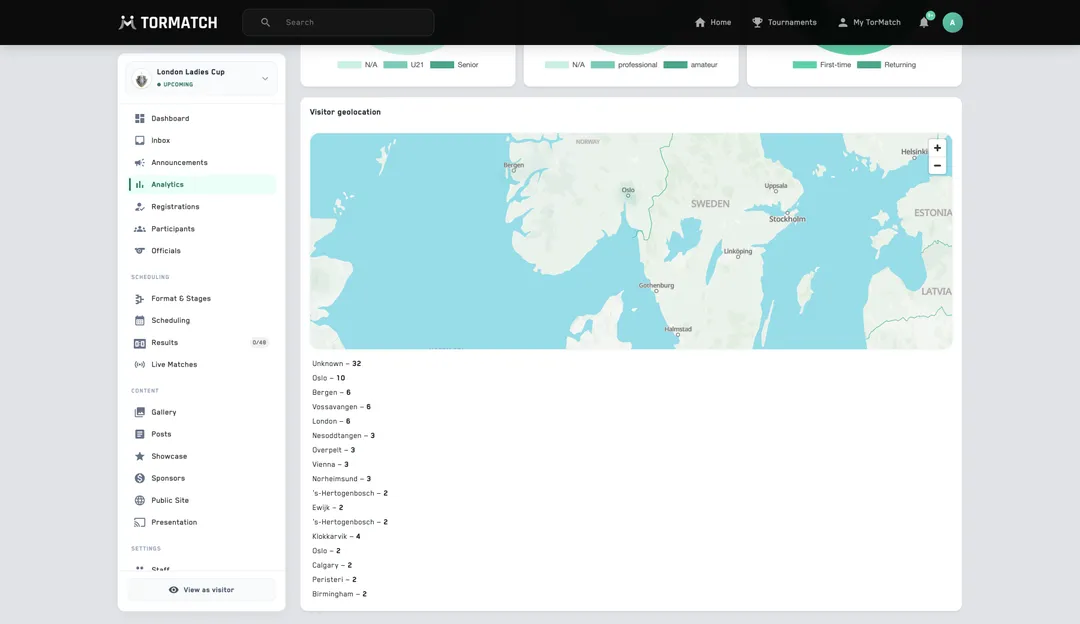
Mobile or desktop, direct or share link or search, the country and city each visit came from — every source of your traffic in one panel, so you can tell which channel is actually working.
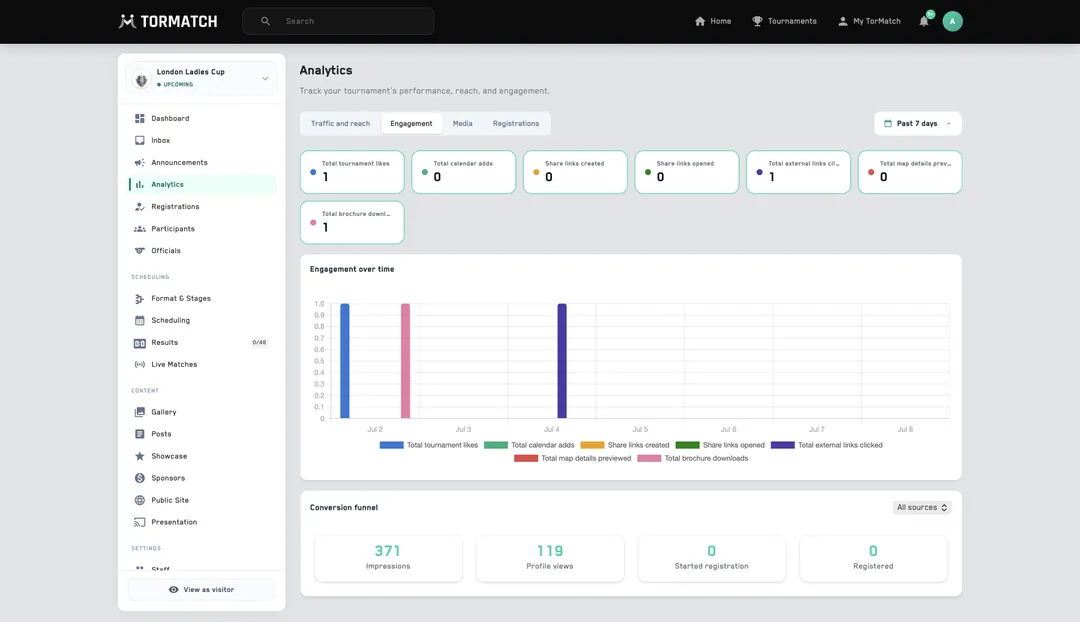
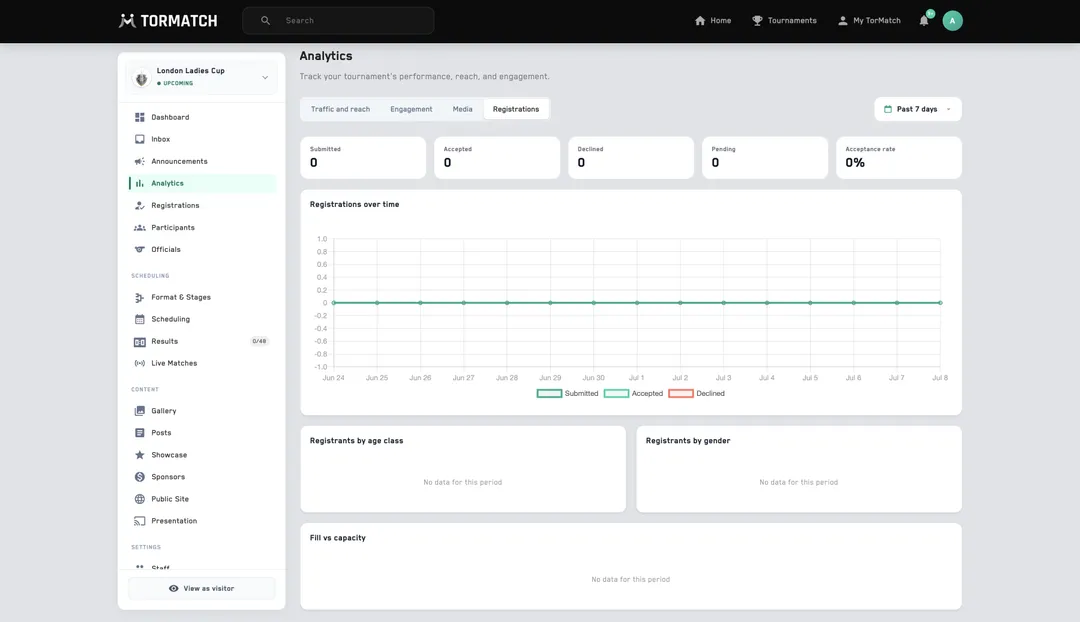
How many people viewed your page, how many started a registration, and how many actually submitted — the funnel that tells you whether all that promotion turned into teams, not just clicks.
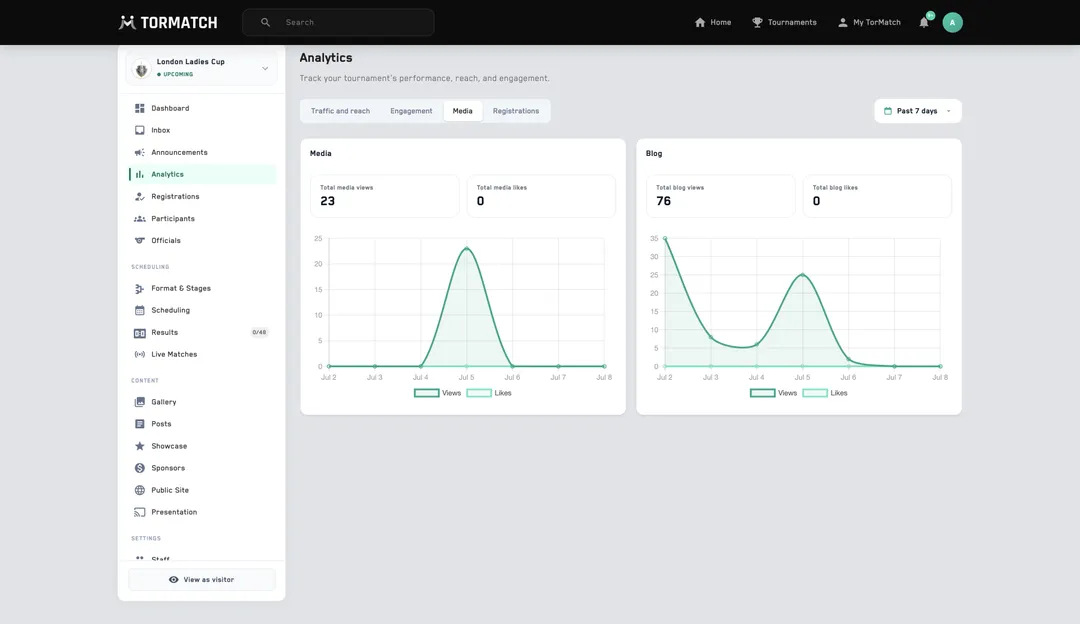
Views for every blog post, gallery photo, and document download, ranked — so you can see which content pulls people in and put more of it in front of them.